
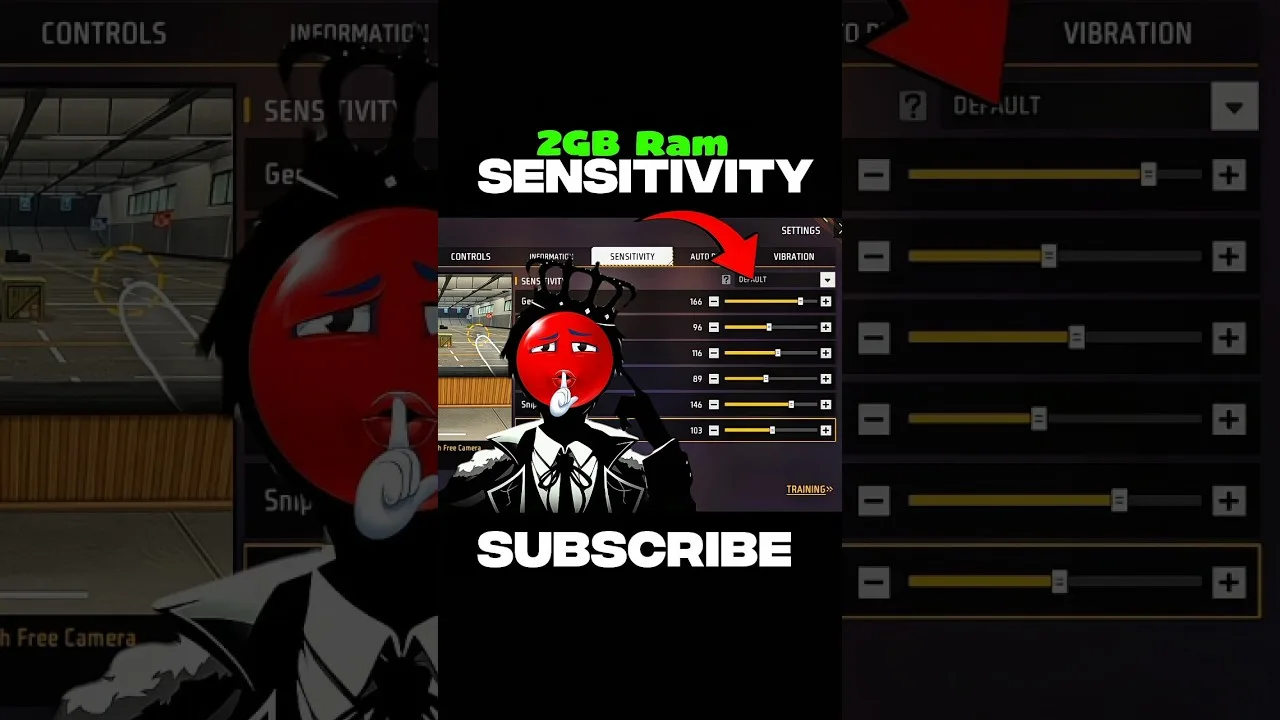
A budget phone changes the sensitivity problem in specific, knowable ways: smaller screens compress your swipes, touch panels sample less often, and frame drops make aim feel inconsistent even when your settings are fine. Tuning Panel Red on budget phones is about compensating for those three facts rather than copying a flagship setup and wondering why it feels wrong.
Start by separating two problems that players constantly confuse: bad settings and bad performance. If the game itself stutters, no slider fixes it — free storage, close background apps, and restart the phone first. Then tune.
Smaller Screens Want Different Values
On a compact display, the same physical swipe covers a larger fraction of the screen, so a given sensitivity value produces a bigger crosshair movement than on a large phone. Budget devices are often smaller, which is why copied values from a big-screen player feel uncontrollably fast.
The correction is unglamorous: expect to run somewhat lower values than large-screen references suggest, and calibrate the drag at your real fight distances. The full hardware relationship is explained in our phone size and DPI guide.
Touch Response and Frame Rate
Lower touch sampling and lower frame rates make aim feel steppy — the crosshair moves in small jumps rather than a glide. Raising sensitivity cannot fix stepping, and chasing smoothness with higher values usually makes control worse. What helps is consistency: a stable frame rate at modest graphics settings gives your muscle memory a predictable world to learn.
If your device offers a touch sensitivity or glove mode in system settings, enabling it can genuinely improve swipe registration for fast drags. Test it in training before trusting it in matches.
A Practical Budget-Phone Routine
Set general and red dot by the drag test at two distances, keep scopes conservative, and change one value per day at most. Budget hardware punishes constant fiddling harder than flagships do, because every inconsistency in the device gets blamed on the newest setting.
The beginner method in our beginners' sensitivity guide — start middle, small steps, written notes — is doubly recommended here. Your notebook separates the settings' effects from the phone's moods.
Know the Honest Limits
Good tuning extracts everything a device has; it cannot add what is not there. If, after performance fixes and patient tuning, the phone still cannot hold a stable frame rate in fights, the device — not your settings and not your skill — is the ceiling, and even a modest newer phone will feel like a different game.
Until then, a carefully fitted budget setup beats a copied flagship one every single time. Your aim lives on your hardware; tune for the phone in your hands.
Final Thoughts
Fix performance first, expect lower values on a small screen, value frame-rate stability over graphics, and tune patiently with notes. Budget hardware rewards method more than money — which is fortunate, because method is free.