
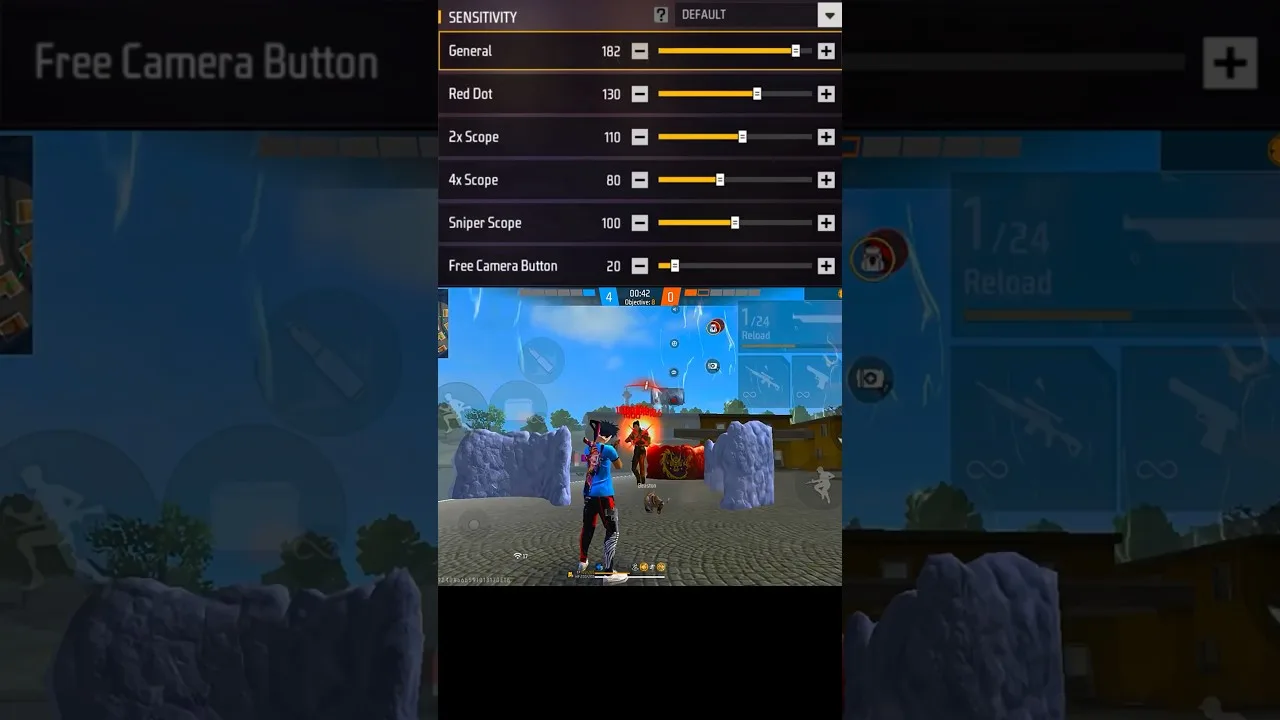
Every experienced player was once a beginner staring at a screen of sliders, wondering which number does what and fearing that one wrong value would ruin everything. Sensitivity tuning with Panel Red sensitivity app is simpler than it looks: a handful of related settings, each controlling how fast your aim moves in a specific situation. This guide gives beginners a safe starting method instead of a magic number to copy.
That distinction matters. A copied pro setup is tuned for someone else's phone, hands, and habits. A method, on the other hand, produces your setup — the only kind that ever truly works.
What Sensitivity Actually Controls
Sensitivity decides how far your crosshair travels for a given swipe of your thumb. Low values mean long, controlled swipes and steadier fine aim; high values mean short, fast swipes and quicker turns, at the cost of precision. Neither extreme is 'better' — the right point is where your own aim lands on target without overshooting or falling short.
Each slider governs a different moment: general movement, aiming down sights, each scope magnification. They interact, which is why random single-slider changes confuse beginners. The full breakdown of every slider lives in our sliders explained guide.
The Beginner Method: Start Middle, Change One Thing
Set everything near the middle of its range. Play several training sessions exactly like that, resisting all adjustment, until the default feel stops being new. Only then change one slider by a small step — five to ten points — in the direction your misses suggest: overshooting targets argues lower, arriving late argues higher.
Test each change for a full session before judging it. Aim adapts over hours, not minutes, and the commonest beginner mistake is changing three sliders between every match, guaranteeing you never learn what any of them did.
Build Around Your Phone and Your Hands
Screen size changes everything: the same number feels faster on a small phone than on a large one, because the same swipe covers a larger share of a smaller screen. Grip and thumb length matter too. This is why copying a favourite player's values onto different hardware so often disappoints.
The device relationship is covered properly in our device compatibility guide and our guide to phone size and DPI settings — read them before blaming your thumbs.
What Progress Looks Like
Within a week of patient, single changes, two things happen: your training-ground grouping tightens, and the settings stop feeling like a puzzle and start feeling like yours. That second change is the real milestone — you have stopped copying and started tuning.
Keep notes as you go: date, slider, old value, new value, and one line on how it felt. A month of that notebook is worth more than a year of copied configurations, because it is the map of your own aim.
Final Thoughts
Start middle, change one thing at a time, test honestly, write it down. Beginner sensitivity is not a secret number — it is a short, calm process, and Panel Red simply gives you the organised place to run it.